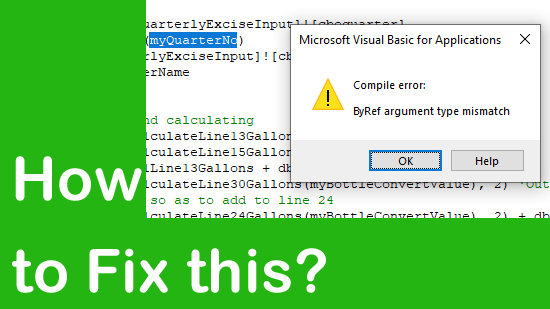
In MS Excel, VBA (Visual Basic for Applications) is generally used to automate tasks. But sometimes, while running VBA codes or macros in the worksheets, you may encounter numerous errors. One such runtime error is “Compile error: ByRef argument type mismatch.” It typically occurs when the data type of the argument doesn’t match the data type of the parameter of the code.
How to Fix “This Sheet Is Protected. Some Parts May Be View-Only and Can’t Be Changed” Excel Error?
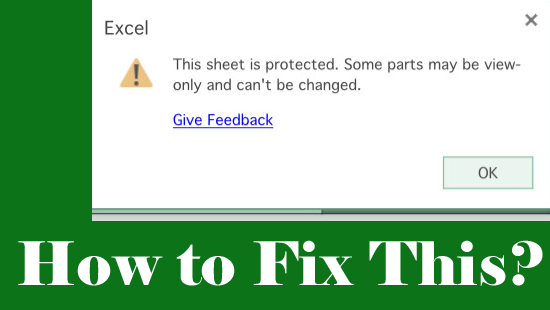
When you come across the MS Excel error “This sheet is protected. Some parts may be view-only and can’t be changed.,” it typically indicates that editing is restricted and some cells remain view-only for safety. It happens due to numerous reasons, such as a protected sheet, a corrupted workbook, etc.
How to Fix Compile Error: Invalid Outside Procedure in Excel VBA?
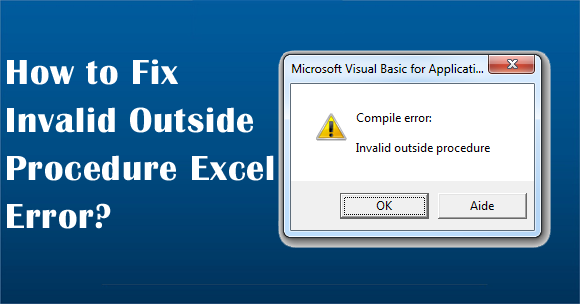
Stuck with the “Compile error: Invalid outside procedure” when attempting to run a macro or perform a specific action within the Excel workbook? If so, do not worry, you are reading the correct webpage. This blog explains the common causes of this error and other vital information, along with the working solutions to solve it in a hassle-free manner.
[Fixed] Excel Error Can’t Execute Code in Break Mode!
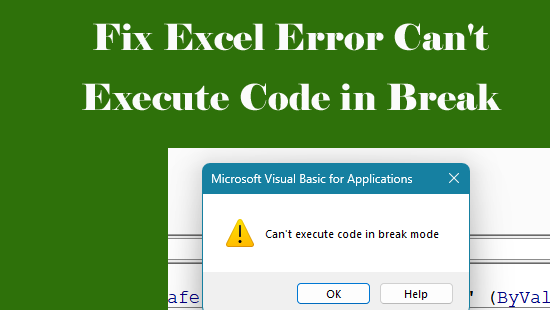
Imagine you’re working with VBA in Excel, and suddenly you get stuck with “Can’t execute code in break mode”. Well, this warning arises during macro or VBA execution. It occurs due to numerous reasons, irrespective of the reason, it can be easily fixed. This blog explains why this peculiar error occurs & how to fix Excel error can’t execute code in break mode with less effort.
MS Excel AutoRecover Not Working: Complete Fix Guide for Data Safety!
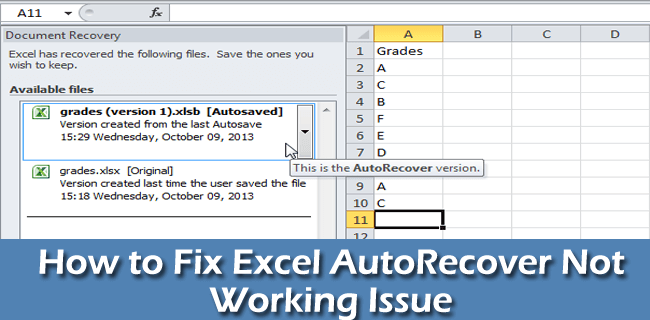
Excel users often encounter situations where their software crashes, accidentally closing an Excel file without saving it, sudden system shutdowns, etc. Such annoying scenarios can cause severe data loss. Hence, to avoid losing your crucial work, it is suggested to use the AutoSave and AutoRecover features. But sometimes the AutoRecover feature fails to work. Therefore, in this post, we’ll discuss how to solve the MS Excel AutoRecover not working issue effortlessly.
Fixed Objects Will Move Excel Error: Causes, Solutions & Best Practices!

Microsoft Excel users often encounter layout-related problems while editing in the spreadsheet. One such common error is- “Fixed Objects Will Move.” This warning message appears when trying to save the workbook after completion of the command, printing, or changing page layouts.
Fixing Microsoft Excel “This Workbook Contains Links to Other Data Sources” Error!
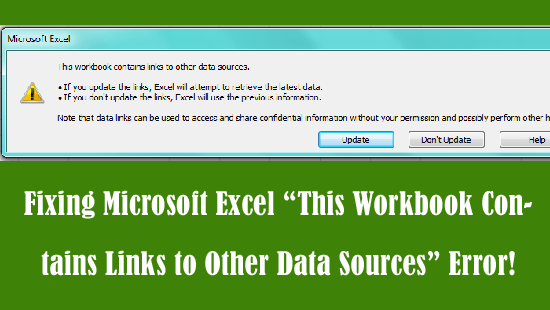
When you come across the Excel error message “This workbook contains links to other data sources.” it means that the file pulls information from other spreadsheets, databases, or web pages. Consequently, users face delays and data risks. So, understanding this error becomes essential. In this blog, I will show you how to fix this error with the best fixes in a hassle-free.
Microsoft Excel Stuck on Processing When Saving/Opening – 9 Easy Solutions!

Microsoft Excel stuck on processing when saving or opening the spreadsheet is a frustrating warning for many users. Though it usually appears without warning and disrupts important work.
How to Convert Days to Months in Excel? (No VBA, No Stress!)

In MS Excel, changing days to months can be a convenient calculation. Though it may be used if you need to keep a track of time spent on jobs, or when calculating profit & loss yearly. Well, in this blog, you will learn how to convert days to months in Excel with easy ways and enjoy seamless planning with the help of a spreadsheet.
9 Workarounds- Fix Excel “File Error: Data May Have Been Lost” Easily!

Stuck with “Microsoft Excel file error: data may have been lost.” message? If yes, do not worry, you are in the correct place. Well, this error appears when trying to open an Excel sheet in a higher version of MS Excel while it was created in an earlier MS Excel version. However, the message does not always mean permanent data loss.