Excel Formula Too Long Error SOLVED – Easy Tips Inside!

Excel Formula Is Too Long Error

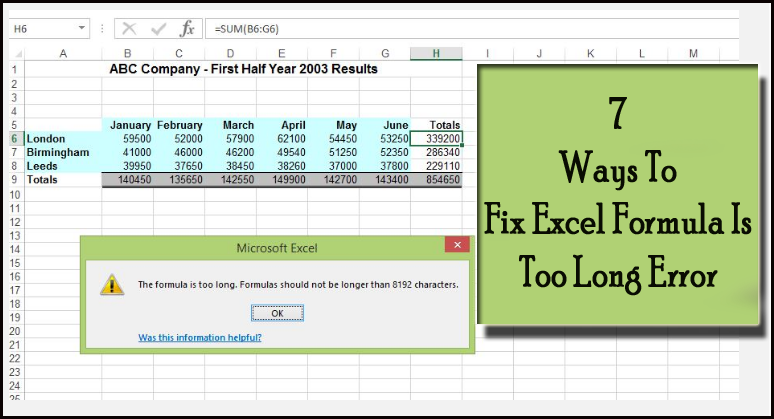
As we all know, Microsoft Excel is a versatile spreadsheet program that assists users in organizing, formatting, and calculating data. However, there are certain limitations to its formula capabilities, one of which is the annoying message “Microsoft Excel: Formula is too long.” This error generally appears when a formula exceeds the length limit. In this blog, I will explore the major causes and solutions to fix Excel formula too long error to maximize Excel’s functionality.

Read more

8 Fixes for Runtime Error 429 ActiveX Component Can’t Create Object!

Runtime Error 429 In Excel

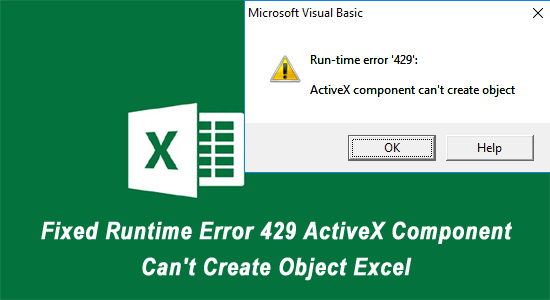
Imagine you are working with VBA in Microsoft Excel, and suddenly you get stuck with “run-time error ‘429’: ActiveX component can’t create object”. Well, this error typically arises when an Excel program or script tries to access the ActiveX component that is registered incorrectly or installed improperly on your PC. It occurs due to various reasons, regardless of the reason, it can be fixed easily. In this post, I will explain why this error occurs and how to fix runtime error 429 in Excel with less effort.

Read more

Excel Unshare Workbook Greyed Out? Here’s the Secret Fixes!

How To Fix Unshare Workbook Greyed Out In Excel

Sharing workbooks in MS Excel can improve collaboration among team members. But sometimes, the “Unshare Workbook” option may be greyed out, leaving you unable to revert your workbook to a private document. In such a situation, it is important to solve this problem ASAP. In this blog, I will explore why is the unshare workbook greyed out in Excel and how to troubleshoot it to regain control of your shared Excel files.

Read more

How to Fix “Excel Found Unreadable Content in .xlsx” Error?- 8 Ways

Excel Found Unreadable Content In Filename

The “Excel found unreadable content in .xlsx do you want to recover the contents of this workbook” error is a common issue that users experience when trying to open Excel 2010/2007. This message indicates that Excel has detected content in the file that it cannot interpret or read properly. Therefore, it is important to fix it ASAP. This write-up covers the best fixes to troubleshoot Excel found unreadable content error and get easy access to your Excel file data.

Read more

9 Methods for “Unable to Open Excel Files Directly by Clicking on The File Icon” Issue

Unable to Open Excel Files Directly by Clicking on The File Icon

As we all know, Microsoft Excel is an essential application in many workplaces and for personal use, handling everything from financial data to everyday lists. Therefore, it’s extremely frustrating when you are unable to open Excel files directly by clicking on the file icon. But don’t fret! You’re not alone, and there are various methods to fix this problem. In this blog, we’ll walk through everything you need to know about this and how to fix it.

Read more

Excel File Corrupted and Cannot Be Opened? Fix it in Minutes!

The File Is Corrupted And Cannot Be Opened Excel

Encountering MS Excel file corrupted and cannot be opened error? This message occurs suddenly, halting your working experience & leaving you scrambling for a solution. But do not worry! In this helpful guide, we’ll dive into this pesky ‘the file is corrupted and cannot be opened’ error, why it happens, and most significantly, how to fix it in a hassle-free way.

Read more

5 Easy Ways for TRIM Function Not Working in Excel

Excel TRIM function not working

As we all know, Microsoft Excel has plenty of useful functions to make the work easy for users. The “TRIM” function is one of them. This function helps to remove unwanted spaces between words in a string and returns a text value with leading and trailing spaces removed. But sometimes TRIM function refuses to work due to various unpleasant reasons. In this blog, I will explore the common causes and some quick solutions to fix the TRIM function not working in Excel in no time.

Read more

5 Easy Ways to Fix Excel Hyperlink Not Working Problem!

3 Ways To Fix Excel Hyperlinks Not Working Problem

In Excel, hyperlinks allow users to link to various documents, web pages, or locations within the spreadsheet. They improve productivity by making data navigation quick & efficient. However, sometimes users encounter Excel hyperlink does not work due to numerous factors, which can be frustrating. Well, in this blog, we will explore the major factors for Excel hyperlink not working and provide thorough solutions to fix this issue.

Read more

11 Methods to Fix Cannot Be Accessed the File May Be Corrupted Excel Error!

Fix Cannot Be Accessed the File May Be Corrupted Excel Error

Encountering the “Cannot be accessed. the file may be corrupted located on a server that is not responding” Excel errors can be frustrating. This is a very irritating situation as you will be unable to open or access your Excel workbook data. In this article, we’ll explore effective solutions to fix this error and safeguard your valuable data.

Read more

9 Methods for Excel Ideas Button Missing Issue!

Excel ideas button missing

If you are an experienced Excel user, then you must aware of the “Ideas” button, which provides intelligent suggestions and insights based on the data in your spreadsheet. However, while using this feature you may face Excel ideas button missing issue, which can hinder your productivity. This article aims to explore the major factors behind this problem and provide inclusive solutions to fix it.

Read more