

Dealing with Excel errors can be frustrating, especially when you’re working on a deadline. “Microsoft Excel: This file is not in a recognizable format” is one such error. This message simply means that the Excel file you’re attempting to load is either corrupted or saved in another format. Below, you can find the interface of this error:
Excel Errors
An Error Has Occurred in the Script on This Page in Excel –Instantly Fix It!

The error message “An error has occurred in the script on this page” typically specifies a JavaScript or browser-related issue within MS Excel. This warning usually occurs when Excel tries to load a webpage or web control. This blog explains detailed information about this script error, along with the major causes and quick resolutions to fix it.
8 Methods for Excel File Closes Immediately After Opening Issue!

Microsoft Excel is an outstanding spreadsheet program, but sometimes it encounters unexpected issues. One such frustrating problem is when an Excel file closes immediately after opening. Thus, if you are facing the same problem, don’t fret! Below, we will explore the major factors and solutions to fix this issue effectively.
[7 Easy Fixes] ActiveX Controls Excel Not Working Issue!

Are you struggling with ActiveX controls not working in Excel? Many users face problems where buttons, checkboxes, and other ActiveX components stop functioning. This can be annoying, especially if you are working on an important spreadsheet. Well, in this guide, I will mention the reasons why ActiveX controls Excel not working and provide working solutions to get them running smoothly again.
10 Methods to Recover 0 Bytes Excel Files!

Excel file 0-byte indicates that no content or data is present in the file and thus its size is showing zero. A file showing 0-byte size usually means something has happened wrong in the file and thus you can’t read and write such files. It happens for various reasons, such as sudden system crashes, improper file transfers, etc. When this happens, it may seem impossible to recover the lost data. In this blog, I will show you how to recover 0 bytes Excel file successfully.
Microsoft Excel Error Code 0xc004f074 – Quick & Easy Solution!

Microsoft Excel is excellent software, but sometimes users encounter errors that can disrupt productivity. One common problem is error code 0xc004f074. This annoying message usually occurs due to activation issues or conflicts with the licensing server. In this blog, I’ll explore the major factors and workable techniques to fix Microsoft Excel error code 0xc004f074 quickly.
AutoSave Not Working in Excel? 7 Ways to Fix It!
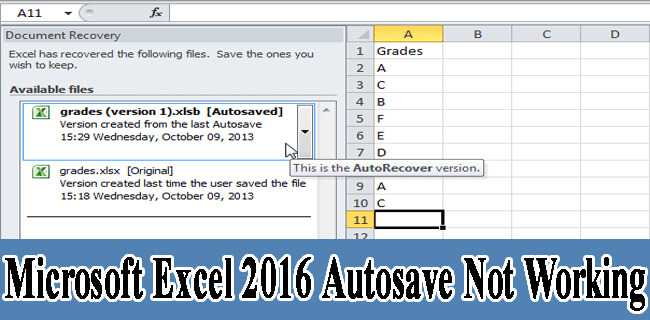
In MS Excel, Autosave is an excellent feature that gives you peace of mind that your work is being constantly saved at regular intervals. This feature can be handy in case of unexpected events like – power outages, system crashes, or accidental closure of the app. Despite its several advantages, there are instances where autosave not working in Excel. In this blog, you will get to know the common reasons behind this problem and how to fix it with less effort.
Fixed- MS Excel Stuck At Opening File 0% Issue!
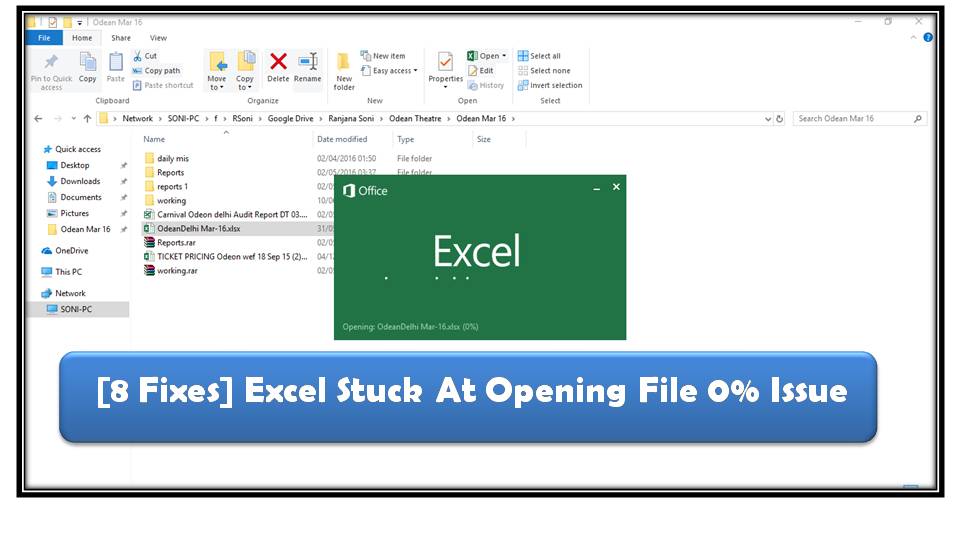
When you double-click the Excel icon the welcome screen appears and even after 15 minutes or half an hour the file is with the loading percentage stuck at 0%. This issue can be frustrating and disrupt workflow. Corrupted files, add-ins, outdated software, or other unexpected reasons may cause it. Regardless of the reason, it can be easily fixed with proper solutions. In this blog, you will find the major factors and quick ways for Excel stuck at opening file 0% issue.
6 Easy Ways to Fix OLE Error 800a03ec Excel!

The OLE error 800a03ec usually occurs when Excel software encounters issues with OLE (Object Linking and Embedding) features. This error can arise during automation tasks, opening files, or running macros. In this blog, I will discuss why OLE error 800a03ec Excel occurs and how to fix it with the best methods.
[9 Easy Fixes] Microsoft Excel has Stopped Working Error!

Encountering the “Microsoft Excel has stopped working” error can be frustrating, especially when you’re in the middle of important tasks or trying to save a file. Well, in this blog, I will explore the most effective solutions to fix this problem quickly and efficiently. So, let’s get started…