
Stuck with the peculiar error message “The cell or chart you are trying to change is on a protected sheet to make a change unprotect…” when working on the Excel sheet? If yes, do not worry, you are on the correct webpage. This error typically indicates that Excel has determined the workbook to be potentially protected & is stopping it from being opened.
 Priyanka Sahu
How to Convert Text to Date in Excel? [6 Easy Ways]

Want to know how to convert text to date in Excel sheet? If so, do not fret, you are reading the correct webpage.
Converting text to date format in Microsoft Excel can be a challenging task. However, there are some easy ways available in this post that can assist you in the conversion process. So, let’s check out this guide to convert text strings into proper Excel dates without errors.
Excel Open and Repair Not Working: A Guide to Fix Corrupted Excel Files
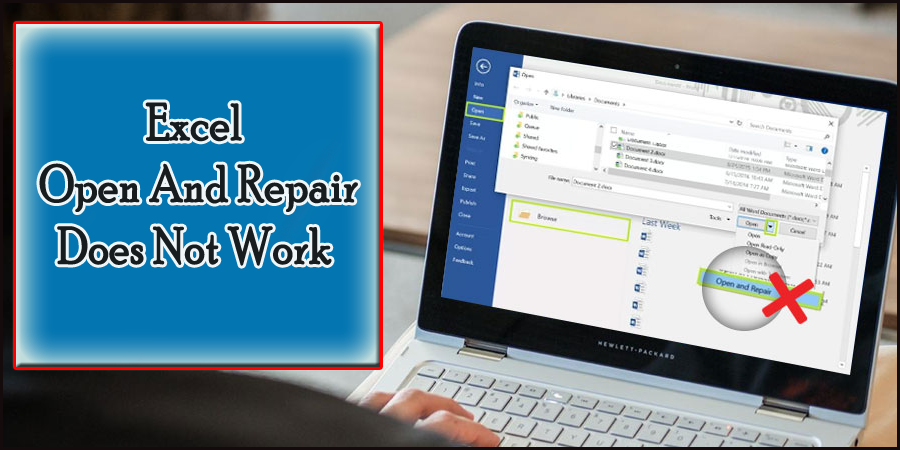
While handling the Microsoft spreadsheet, it is common to encounter a file corruption problem. By using Microsoft’s built-in Open and Repair feature, the file corruption issue can be fixed. Sometimes, Excel’s open and repair doesn’t work. In such a situation, what to do? In this blog, you will learn the details of this problem, discover its causes, and find possible solutions to fix Excel open and repair not working.
F4 Shortcut Not Working Excel Issue– FIXED in 2 Minutes!

The F4 key helps to repeat your last action or toggle absolute and relative cell references. When it fails, editing formulas becomes slow in Excel and frustrating. However, fixing this problem is easier than many expect. Well, in this blog, you will learn why the F4 shortcut not working Excel and how to solve it, and help you restore your efficiency fast.
Excel “An Unexpected Error Has Occurred”- Here Are the 9 Fixes!

When Microsoft Excel shows the warning message “An unexpected error has occurred, changes to your data cannot be saved” or “An unexpected error has occurred. AutoRecover has been disabled for this session of Excel,” it can interrupt your workflow. These errors often appear during file saving, editing, or when using add-ins.
7 Methods for “Failed to Parse the Corrupted Excel File” Error!

Stuck with the error “failed to parse the corrupted Excel file” when handling the spreadsheet? Well, this warning occurs when Excel cannot read or open a damaged workbook. This error demands attention to rectify it instantly and avoid potential data loss.
Don’t Miss Out: Learn to Fix “Formula Omits Adjacent Cells Error” in Excel!
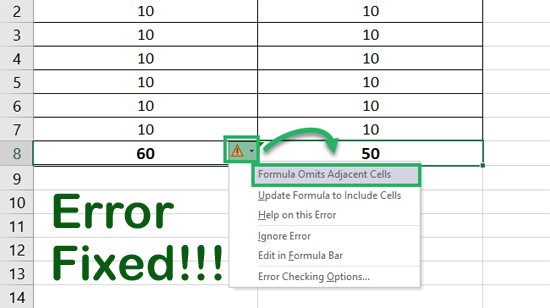
Encountering the “Formula Omits Adjacent Cells” error message when working on your crucial spreadsheet? Well, this error occurs when Excel detects that a nearby cell should be included in your formula. This warning protects your data, yet it can interrupt your workflow.
[7 Easy Fixes] Microsoft Excel Rows Won’t Unhide!
Recently, many users have reported in the community sites that they faced rows won’t unhide issue while working on the Excel spreadsheet. This problem usually occurs due to hidden formatting, frozen panes, or protected sheets. Luckily, it can be easily fixed by trying some workable solutions. This guide describes the most effective methods to help you solve Microsoft Excel rows won’t unhide & restore your data without wasting time.
Fixing Excel Error “The Server Properties in This File Cannot Be Displayed” Quickly!
When Microsoft Excel displays the message “Eror the server properties in this file cannot be displayed”, it can ruin your working experience in the spreadsheet. This error often appears when you open files linked to SharePoint, OneDrive, or other external servers. However, it can be easily solved by applying some workable fixes.
Fixing the Excel Macro Compile Error Can’t Find Project Or Library Error- 2025!
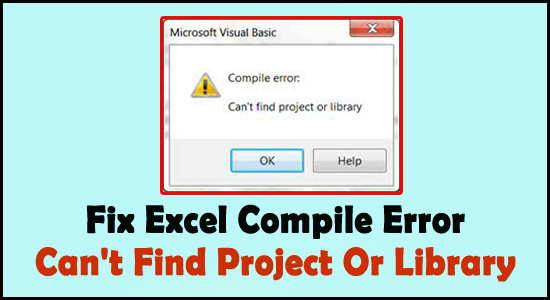
When Microsoft Excel shows the error message “Compile error: Can’t find project or library,” it blocks your macros and VBA scripts. It occurs due a wide variety of reasons including, missing references, broken libraries, or incorrect file paths. However, you can fix it quickly with a few reliable methods.