Skip to content
Excel File Repair Blog
  • Home
  • Repair Excel
  • Fix Excel Errors
  • Tutorials

Microsoft Excel the file could not be accessed try one of the following

How to Fix “Microsoft Excel the File Could Not Be Accessed Try One of the Following” Error!

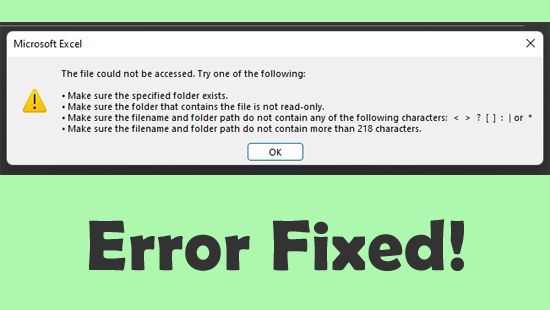
Microsoft Excel: The file could not be accessed. Try one of the following

Stuck with the peculiar error message “Microsoft Excel: The file could not be accessed. Try one of the following.”? If so, you’re not alone. This error can stop you from opening, saving, or sharing important files. Fortunately, by applying some workable solutions mentioned in this blog, you can fix it quickly.

Read more

Tips & Tricks

  • 11 Vital Tips To Optimize Excel File and Speed-up your Excel
  • 30 Tips & Tricks to Master Microsoft Excel
  • 8 Easy Excel Filters To Save Time, Money and Get Accurate Data
  • 16 Advanced Excel Skills You Should Have To Succeed At Office
  • More...
download Excel repair

Fix MS Excel Issues & Errors

  • Top 30 Commonly Reported Excel Error Codes & Their Fixes
  • [FIXED] – “This File is Not in Recognizable Format” Excel Error
  • 7 Working Fixes For Microsoft Excel Not Responding Error
  • 9 Excel 2016 Issues & Their Fixes That You Can’t Ignore
  • More…
About Us | Affiliate Disclosure | Contact Us | Privacy Policy | Terms Of Use | Sitemap
Copyright © 2015 - 2026, Repair MS Excel - All Rights Reserved