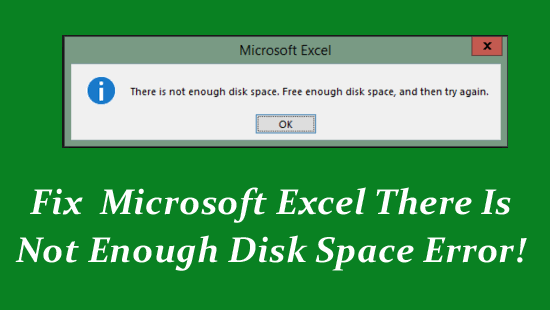
Is your spreadsheet showing “There is not enough disk space. Free enough disk space, and then try again.”? If so, do not fret; it often occurs when MS Excel needs more disk space to save the file, or when your drive is full. However, the error can be easily fixed by clearing temp files (%temp%), closing background running apps, or trying other solutions mentioned here.