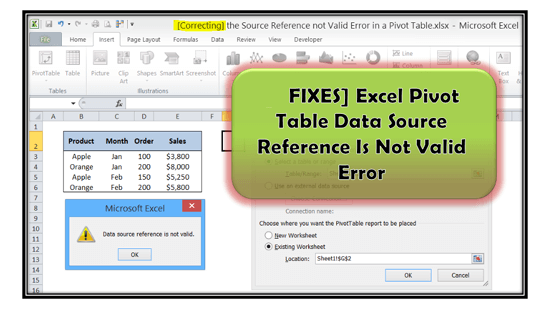
In MS Excel, Pivot tables allow users to summarize, analyze, and visualize large datasets with ease. These tables rearrange the info based on user-defined criteria, like rows, columns, values, filters, etc. However, at times, the user may encounter a “Data Source Reference is Not Valid” error when trying to create a private table within the spreadsheet. But don’t fret, in this blog, I’ll mention the causes and quick ways to fix pivot table data source reference is not valid error.